How to Remove Your Personal Info From Google's Search Results

Maybe you don't want your phone number, email, home address and other details out there for the web to see. Here's how to make them vanish.
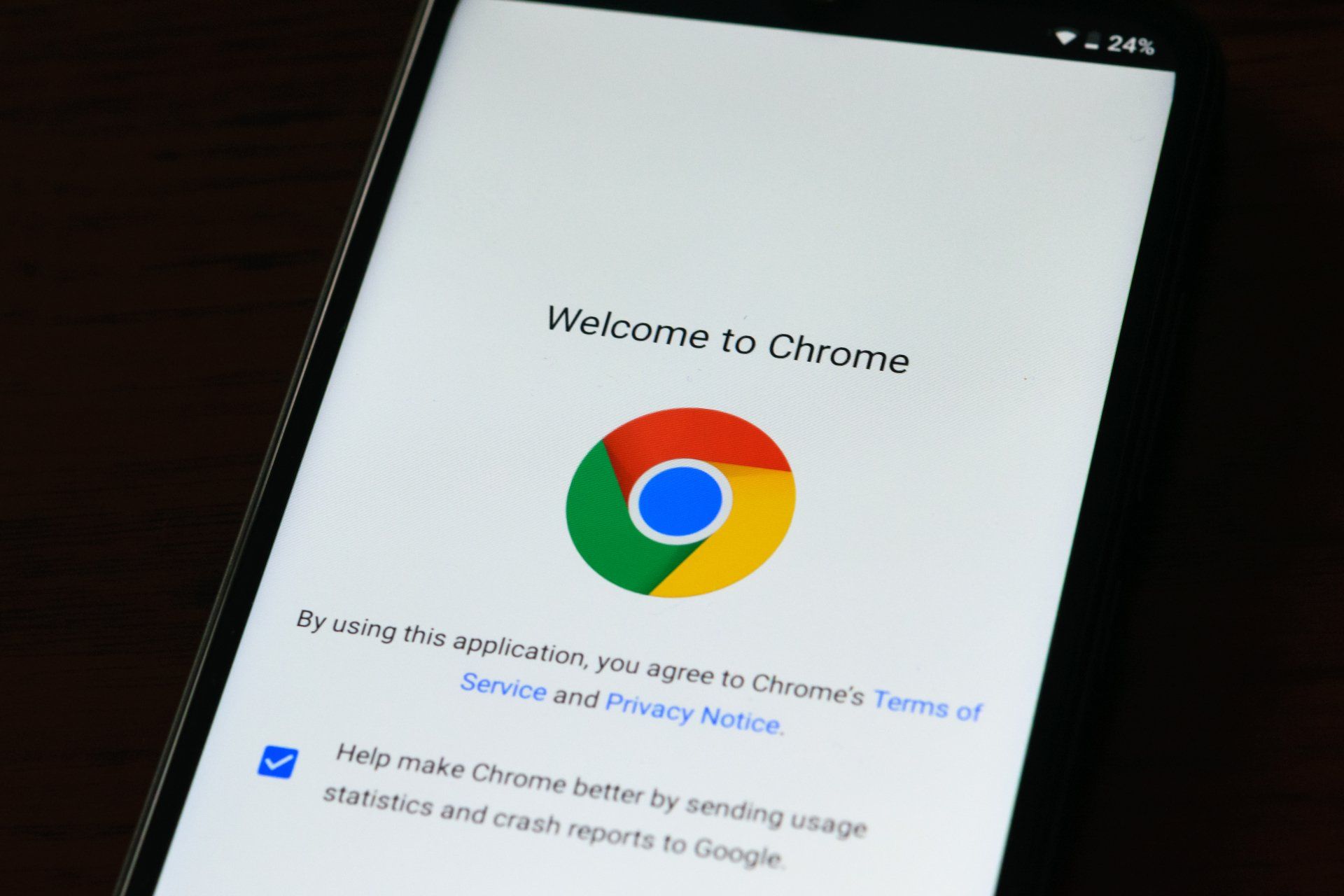
LAST YEAR, GOOGLE expanded the ways you can submit removal requests for search results containing personal info. Before this change, people had to meet a very high bar to get results with sensitive data wiped. Finding personal details in a Google search, like a home address or phone number, can be quite frightening, but you can take action to protect your privacy.


In addition to the removal of personal information, Google is considering removal requests for images of minors, as well as deepfake pornography and other explicit content. Although getting results scrubbed from Google Search won’t remove web pages from the internet, it will divert one of the biggest drivers of traffic.


There’s no guarantee that unwanted search results will disappear completely, however. As a result of your request, the web page could be removed from all searches on Google, only searches involving your name, or none of the above. For more information about disappearing digitally and services like DeleteMe, check out WIRED’s tips on deleting yourself from the internet.


At the time of the announcement, Michelle Chang, Google’s global policy lead for search, wrote “Open access to information is a key goal of Search, but so is empowering people with the tools they need to protect themselves and keep their sensitive, personally identifiable information private.” The new procedures can protect against malicious doxxing, as well as information leaks that are only implicit threats.


To begin the removal process, visit the topic’s support page, scroll halfway down, and click the blue Start Removal request button. You will initially be asked whether you have reached out to the owners of the website. It is not necessary to do this, so you can just tap No, I prefer not to. When Google asks what you would like removed, select: Personal info, like ID numbers and private documents.


Then you can specify what type of personal information is showing up in Google Search, such as your contact details or driver’s license. These steps are only for removing results from live websites; there’s a separate form to fill out for cached pages. Check the box indicating that the content is live. The next question asks whether the request pertains to doxxing, which Google defines as “contact information being shared with malicious, threatening, or harassing intent.”


After that, Google requests your full name, country of residence, and email. You are only permitted to submit takedown requests for results pertaining to yourself or someone you officially represent.

You can submit up to 1,000 links at once. Google asks for the URL of the offending content or image, and the company wants you to share the search results where it shows up. For more directions on gathering these links, check out Google’s guide to finding content URLsimage URLs, and search results page URLs.


Attach a screenshot to your request showing where on the web page your personal info is appearing. Near the end of the form, you will be asked to share a list of relevant search terms, such as your full name, nickname, and maiden name. You are given the opportunity to share supplemental details before signing and submitting the removal request.


You should get a confirmation email from Google indicating that the removal request was received. It’s not clear how long it will take to review your case, but Google will let you know when it has decided to take action—or do nothing at all. The company promises to include brief explanations with any rejections and allows repeat submissions.


SOURCE: Wired.com

June 18, 2026
So simple to make at home and 1000% worth the little effort it requires.
June 18, 2026
The Summer Go Bag: A Tiny Kit That Saves the Day Summer has a way of making “quick little outings” turn into full-blown adventures. A trip to the pool becomes dinner on the way home. A Saturday errand turns into a stop at the park. A lake day somehow requires 47 items, three snacks, and at least one person asking, “Did anyone bring sunscreen?” Enter: The Summer Go Bag . It doesn’t have to be fancy. It doesn’t have to be perfectly organized. It’s just a small tote, backpack, bin, or canvas bag you keep stocked with the little things that make summer life easier. Think of it as your warm-weather backup plan. What to put in your Summer Go Bag: Sunscreen + bug spray Because nothing ruins a good day faster than realizing you needed both about two hours ago. Reusable water bottles Keep one or two empty bottles in the bag, or toss in a couple of bottles of water before you leave. A small first-aid kit Bandages, antiseptic wipes, pain reliever, allergy medicine, and any must-have family basics. Phone charger or power bank Especially helpful for road trips, long days out, or those “I swear my phone was at 42% five minutes ago” moments. Wet wipes + tissues For sticky hands, spilled drinks, mystery car messes, and every parent/grandparent/aunt/uncle who has learned the hard way. A lightweight towel or blanket Great for parks, wet seats, surprise splash pads, outdoor concerts, or impromptu picnics. A few snacks Granola bars, crackers, trail mix, fruit snacks — anything that can survive a little heat and prevent a hunger-related family incident. Plastic bags or a small trash bag For wet swimsuits, muddy shoes, snack wrappers, or anything you don’t want touching the rest of your car. Spare sunglasses or a hat Simple, useful, and always appreciated when someone forgets theirs. Pet basics, if applicable A leash, collapsible water bowl, waste bags, and a small towel can make pet-friendly outings much easier. Where to keep it: Your car is usually the easiest spot, especially if you’re often on the go. If your vehicle gets too hot, keep heat-sensitive items like sunscreen, medicine, and snacks inside the house and toss them in before you leave. You can also make a smaller version for: Pool bags Lake bags Sports practices Road trips Grandkid days Dog park visits The real trick: Restock when you get home The Go Bag only works if it’s ready when you need it. After a busy weekend, take two minutes to replace what you used: snacks, wipes, sunscreen, bandages, water bottles, or plastic bags. That tiny reset makes the next outing so much easier. Summer should feel a little more spontaneous — and a little less like you’re packing for an expedition every time you leave the house. A simple Go Bag won’t solve everything, but it might just save the day. 
June 18, 2026
Insurance can be confusing — and most people have questions they feel like they should already know the answer to.
A
March 26, 2026
Seven quick things you can do in minutes to improve the rest of your year!
March 26, 2026
Skillet Chicken With Mexican Green Rice & Salsa Macha
By Kennton Hoffman March 26, 2026
Insurance can be confusing — and most people have questions they feel like they should already know the answer to.
By Kennton Hoffman, Founder & CEO February 27, 2026
Insurance can be confusing — and most people have questions they feel like they should already know the answer to.
February 27, 2026
The easiest 15-minute recipe!
Person holding phone, capturing an image of their home entertainment equipment.
February 19, 2026
“Home Inventory in 30 Minutes: The Thing You’ll Be Glad You Did” Includes: phone video walkthrough method, where to store it, high-value items scheduling, receipts/photos and downloadable checklist for home inventory.